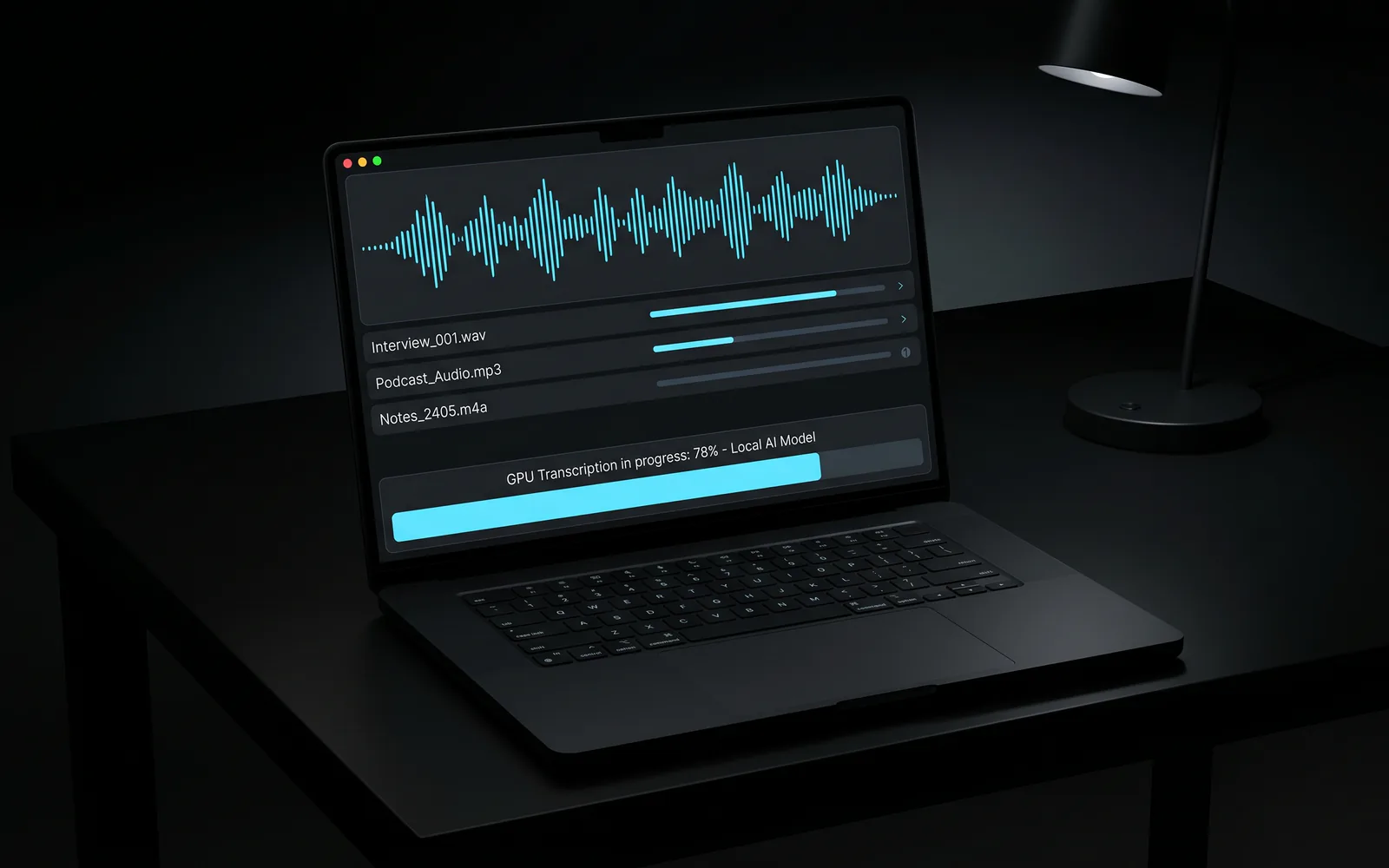
Feeds the Digital Ops Box Platform voice capture and content loop system.
Where this came from
The early use case was Amy's Skincare Oasis content. Amy had years of experience, strong opinions, and a lot to say — but sitting down to write was not how the ideas came out. Talking was. Before accessible speech-to-text tools, that meant running Whisper from the command line: managing prompt structures, saving shortcut commands, learning enough to not break it. It worked, but it was friction that got in the way of the actual goal.
The desktop utility was built to remove that friction. Not because the underlying technology changed — it did not — but because a proper interface should not require the operator to remember command syntax to capture a thought.
The broader pattern was already in use: recording meetings to review them later, evaluating how well a conversation went from a sales standpoint, noticing the difference between how you thought you came across and how the transcript read. That kind of self-reflection is only possible when you have the record to look at.
What the tool does
A Windows desktop utility: drop an audio or video file, run Whisper locally on the GPU, write a .txt transcript and optional .srt subtitle file next to the source media. No cloud upload. No account. No per-minute billing. Files stay on the machine.
Processing is fast on capable hardware — three hours of video transcribes in roughly ten minutes on a GPU with ffmpeg underneath. Model size is selectable for the speed-versus-accuracy tradeoff the job requires.
The output lands beside the source file with predictable naming, ready to be pasted into a task, a CRM note, a summary, or whatever downstream use the recording was captured for.
The bigger pattern
The desktop utility is a means to an end. The more significant idea is that spoken context — which is often the richest, fastest, and most honest form of operator knowledge — should not be inaccessible just because it was not typed.
For the Digital Ops Box content loop, this matters directly: voice recordings from working sessions, stream-of-consciousness capture after a decision, spoken commentary on a project — all of these become text that can be summarized, indexed into the knowledge base, or turned into content artifacts.
For other operators, the pattern applies in several directions:
Sales and client conversations. Recording calls for later review is not about surveillance — it is about having the actual record instead of the memory of the record. A salesperson who listens to a difficult conversation an hour later hears things they did not notice in the moment. A consultant who reviews a client intake call before writing a proposal is working from what was actually said, not a cleaned-up version.
Meeting documentation. Meetings produce decisions, commitments, and context. That context typically evaporates unless someone is assigned to document it. Transcription turns a recording into a searchable record without requiring a dedicated note-taker.
Operational voice memos. An operator walking a property, a job site, or a warehouse and narrating observations into a phone is capturing structured field context — if that audio becomes text and that text becomes a task or a note. Without transcription, it stays audio.
Management and coaching input. For managers who record their own interactions — with consent and within applicable privacy requirements — the transcript becomes a coaching artifact. What did I say, exactly? How did I handle that objection? What patterns appear across multiple conversations?
The tool handles the technical step. The value is in what gets done with the output.
Privacy, consent, and data handling
Recording conversations for any of these purposes requires appropriate consent under applicable law, which varies by jurisdiction. This is not a surveillance tool — it is a transcription utility. How recordings are captured, who is informed, and how the data is stored and handled is the responsibility of the operator.
Because transcription runs locally, the data does not leave the machine. There is no third-party service receiving the audio. That is a meaningful distinction when recordings involve client information, financial discussions, or other sensitive context.
What this pattern applies to
Consultants, attorneys, contractors, coaches, and service operators who regularly capture spoken context and need it in text form. Any workflow where cloud transcription introduces data-handling concerns. Operators building content from voice and wanting the capture step to stay out of the way.
The Whisper Transcriber specifically is a desktop utility released for private use. The broader pattern — voice input in the task layer, voice notes in the DOB Platform, local Spark routing for sensitive content — is a recurring element of how this operating system handles context capture.
Technical details
Python + CustomTkinter UI. OpenAI Whisper via PyTorch CUDA. ffmpeg for format conversion (mp3, mp4, wav, m4a, mkv, and others). Drag-and-drop or file picker. Model sizes from tiny through large. Themed UI persisted across sessions. No console window in production builds.
Talking is faster than typing. The question is whether what you said becomes something you can use.